Can you tell I like Halloween?
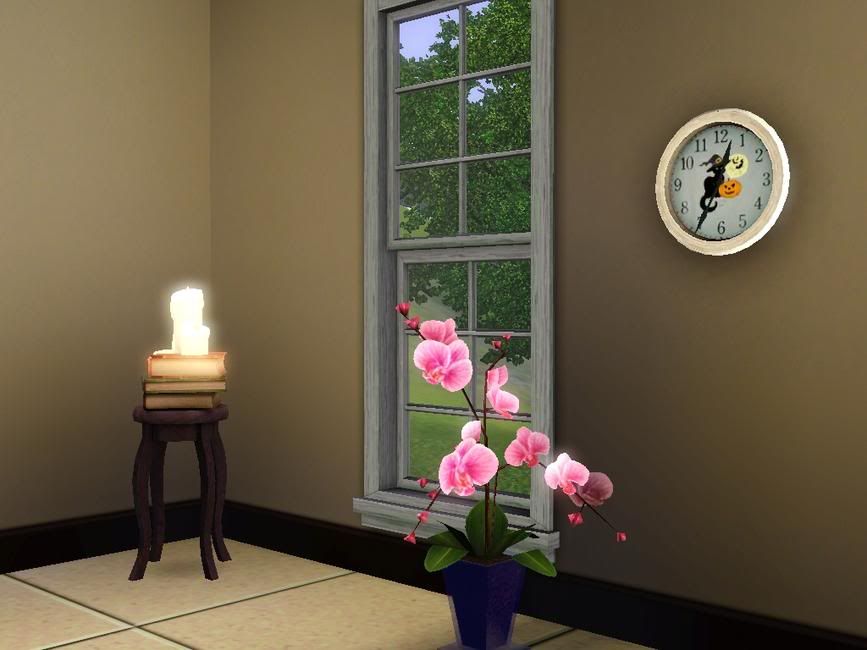
Decorate your house with this cute clock that will remind you it's Halloween!
It has the same design I used for the toddler's shirt before of a cat standing next to a pumpkin with the moon and bats behind.
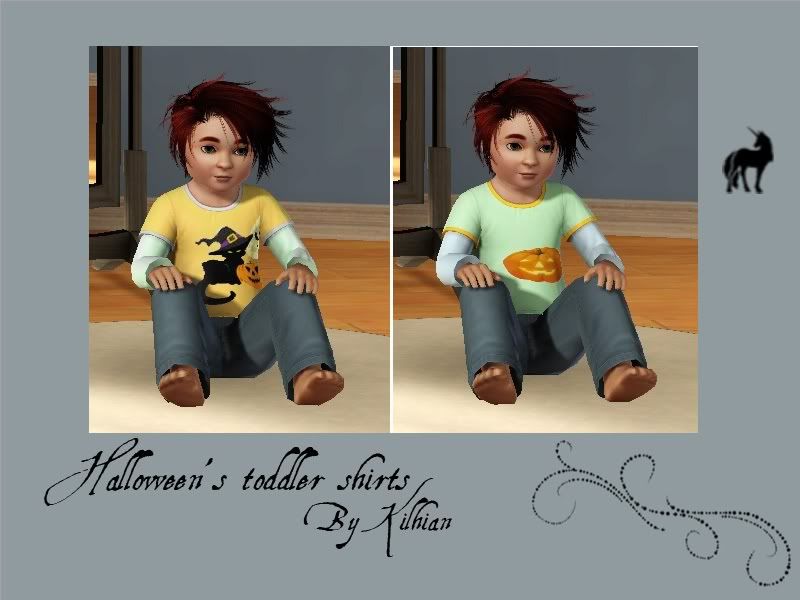
Toddlers might be too small to go trick or treating with their siblings, but it doesn't stop them from looking cute! Two adorable T-shirts for your kids to put on.
I used stencils, but there are two areas recolorable: the shirt itself and the borders.
One has a black cat standing next to a pumpkin with the moon and bats behind, the other has a simple pumpkin.
This year again, people have been 'trick or treating' for Halloween!
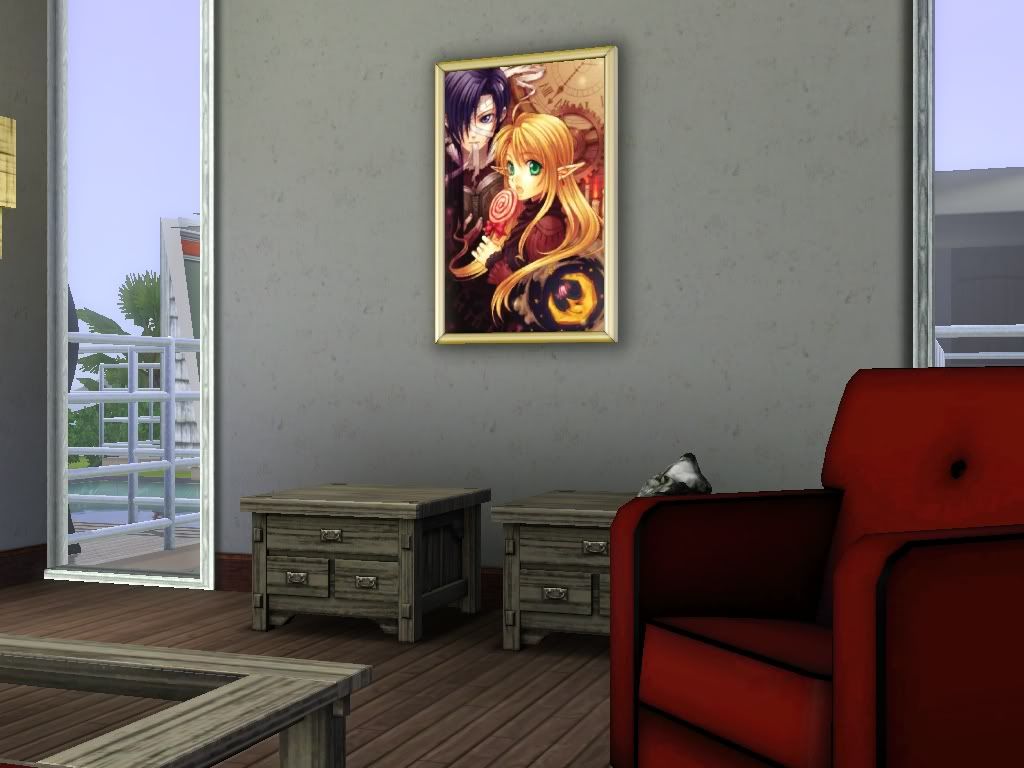
This nice painting will remind you of the event for the time to come, plus it looks like a lovely decoration! Keep the spirit of Halloween alive!
Most of the time when possible I give you the possibility to install as either Sims3Pack or Package. Pick up a format you rather use (poses can only be installed as Packages), and install it in your game:
If you use EA Launcher:
Sims3Packs Place the .sims3pack file in your folder My Documents/Electronic Arts/The Sims 3/Downloads Run the Launcher, click the Download panel on the left and select the files you want to install before pressing the Install button. Note: You do not need to keep the file in this folder, it can be removed safely once installed and the Launcher/game is closed.
Packages Place the .package file in your folder My Documents/Electronic Arts/The Sims 3/Mods/Packages If you do not have or do not know how to set up the Mods folder, I wrote a tutorial here. Note: If you have too many files in this folder you should consider merging them or it will make your game load and render slower. Aikea Guinea wrote a tutorial about it, see here.
If you use CC Magic:
This launcher manages both types, so you can place any .sims3pack and .package files you want in My Documents/Electronic Arts/The Sims 3/Downloads For those who don't know about it, you can find the installation here and a tutorial there.